Push notifications: the sports coach guide to engaging
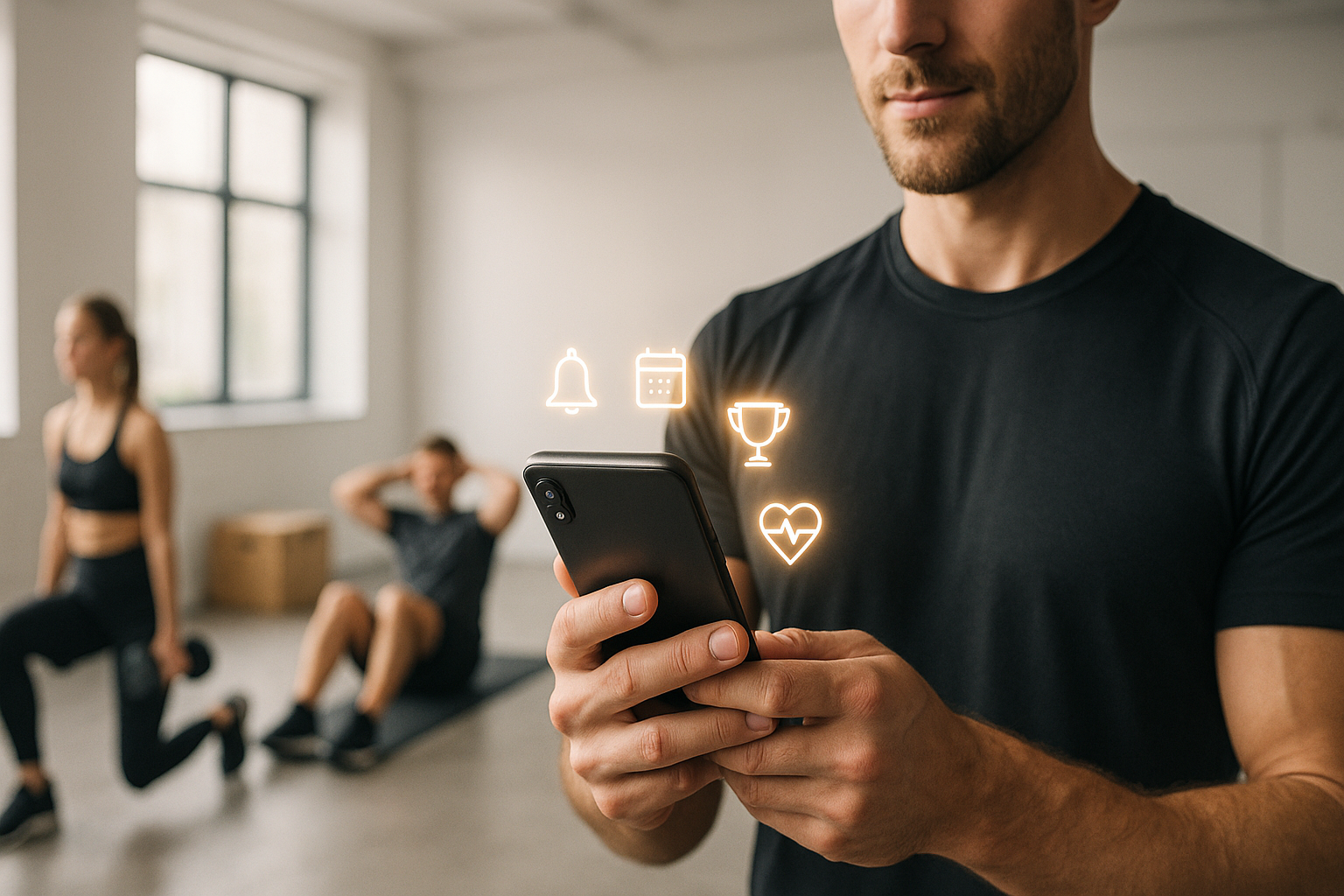

Do you want more reservations, less absenteeism and motivated customers all year round? Used well, push notifications become your best coach reminder. They reach the right person, at the right time, with the right message.
In this guide, you will lay out a clear strategy, avoid common mistakes and leave with models ready to send. As a bonus, find out how to connect these actions to your organization on EKKLO to save time on a daily basis. To go further in terms of automation, see also how automate your coaching business.
Why push notifications are essential for a coach
More visible than email, more flexible than email SMS
Email is often lost in promotions. Texting is intrusive and expensive. Push notifications appear directly on the locked screen. They recall a course, confirm a reservation, restart progress. Expected result: more openings and actions, without saturating your customers.
In the rhythm of your customers
Your customers check their phone more than 100 times a day. Push notifications focus on these micro-moments: leaving the office, commuting, motivational morning, reminder the day before class. This natural timing creates habits and reinforces attendance.
Formats to know
- Mobile app push: ideal if your customers use an application linked to your studio.
- Web push: displayed on desktop and mobile via the browser, practical for your offers.
- Transactional: confirmation, cancellation, reservation reminder.
- Geolocated: near the studio, to offer a free slot or a drop-in.
Prepare the ground: consent, settings, own base
Obtain a simple and compliant opt-in
Clearly explain the interest: useful reminders, reservation information, targeted offers. Ask for permission during registration and in the app. Respect the one-click withdrawal of consent. Push notifications remain effective if they are chosen, not imposed.
User settings and expectations
Customers manage all their settings. Show how to enable/adjust push notifications in iOS and Android. Mention the quiet hours respected. Also be specific about what they will receive: class reminder, progress, schedule changes.
Segment before sending
Create simple segments: beginners, regulars, performers, favorite classes, preferred slots, training frequency. Push notifications become relevant when they target real needs. A clean base avoids boring generic mailings.
12 concrete use cases (and what they bring in)
Acquisition and conversion
- Free trial: “Just one click to book your trial session Saturday 10 a.m.” ➜ conversion +30% vs email alone.
- Limited offer: “3 places remaining on the back-to-school pack” ➜ high urgency, useful at the end of the month.
- Prospect follow-up: “Your personalized program is ready” ➜ combine with a direct reservation link.
Reservations and planning
- Reminder D-1 / D-0: reduce the no-show by 20-40% with two short push notifications.
- Slot freed: “1 place has just become available at 6:30 p.m.” ➜ fill in the gaps in the schedule.
- Waiting list: automatic confirmation as soon as a place becomes available.
Coaching and progression
- Objective achieved: “5 sessions this month, well done! » ➜ maintains motivation.
- Gentle recovery: “Are we getting back on the road? 20 min mobility today” ➜ reduces abandonment after 10 days of inactivity.
- Useful content: “8 min core routine adapted to your level” ➜ immediate value.
Loyalty and additional sales
- Registration anniversary: “1 year together: free duo session ".
- Clever cross-sell: “Do you like HIIT? Try our 30 min strength circuit.”
- Challenge: “Week without elevator: ready? » ➜ creates simple interaction.
Tip: centralize these scenarios in your organizational routines. EKKLO helps you connect reservations, payments and messages in one place: discover EKKLO.
Write messages that trigger action
The short structure that works
- Line 1: clear benefit (“Your place is reserved ).
- Line 2: context/urgency (“Starts in 30 min”).
- Line 3: action (“See the route”).
This structure makes your push notifications readable at a glance.
Tone, personalization, emojis
Speak like face to face: direct, motivating, caring. Personalize with first name, favorite course, level. Emojis help to catch the eye, without overdoing them: 1 or 2 maximum. Push notifications gain clarity with action verbs and numbers.
Templates ready to send
- Class reminder: “Camille, your 18h Strength session starts in 1 hour. Warm-up available. »
- Slot freed: “A place opens at 12:30 p.m. 🔥 Are you signing up? »
- Restart: “Let’s start again gently: 15 min mobility today. Go? »
- Goal: “8/10 sessions this month. Only 2 left for your Gold badge.”
- Offer: “Back to school pack -20% until tonight. Last places. »
To feed these messages with relevant content, see how use technology to optimize your sessions.
Calendar and frequency: stay useful, never intrusive
The right rhythm
- Transactional: at each key event (reservation, cancellation, change of schedule).
- Coaching: 2 to 3 push notifications per week depending on attendance.
- Promotion: 1 to 2 per month, well targeted.
If a customer is inactive, start with useful content before making an offer.
Recommended sending times
- Morning: 7am-9am for routines and motivation.
- Noon: 12pm-2pm to fill a slot.
- Evening: 5pm-8pm for course reminders and assessments.
Adapt according to your personas. Push notifications only have an impact if they respect the rhythm of life.
Respect quiet hours and intelligent reminders
Program a silent mode from 9 p.m. to 8 a.m. If not read, relaunch the next day with a variation. Avoid duplication with email/SMS: only one channel is enough, the right one.
Measure, test, optimize
KPIs to follow
- Opt-in rate: target 60-80% with a clear promise.
- Opening/display: > 50% on reminders, 30-50% on the rest.
- Interaction/click: 8-15% depending on the offer and the target.
- Conversion: reservation, attendance, purchase.
Push notifications are a means, not an end: measure the real impact on your sessions and your income.
Simple and useful A/B tests
Test 1 variable at a time: sending time, title, emoji, call to action. Keep history to see trends. Effective push notifications are built by iterations, not by bursts of brilliance.
Automations and scenarios
- Onboarding over 7 days: discovery + first reservation.
- Antino-show: reminder D-1 + D-0 + plan B in case of impediment.
- Reactivation 10/20/30 days: useful content, then limited offer.
Connect these scenarios to your customer journeys. With EKKLO, plan and track everything in one place.
Set up with EKKLO: simple, structured, effective
Centralize messages and journeys
Bring together offers, planning, progress tracking, payments and communications in one place. You reduce friction and gain clarity.
Ready-to-use scenarios
- Course reminders and waitlists.
- Slots released in real time.
- Weekly progress messages.
- Trials and packs entry.
The goal: that your push notifications support your promise, without creating mental burden.
Deployment checklist
- Define 3 measurable objectives (presence, trials, pack sales).
- Obtain opt-in with a clear promise.
- Segment 3-5 useful groups.
- Write 10 short templates.
- Program 5 key scenarios.
- Track 4 KPIs each week and iterate.
Key takeaway
- Push notifications improve attendance and bookings if targeted and useful.
- Simple segmentation makes the difference: level, preferences, schedules.
- Write short, clear, action-oriented; test time and title.
- Respect the opt-in and quiet hours to maintain confidence.
- Centralize your journeys to save time and measure better.
Conclusion: take action in 7 days
Start with a goal, 3 segments and 5 models. Program your first scenarios and measure the impact from the first week. To structure and link your offers, reservations, payments and messages, discover EKKLO. And if you're looking for a more comprehensive plan to attract more clients, the article for develop your sports coaching business will give you a clear roadmap.




The app for fitness coachespoweredbyClaude


Manage your clients, payments, and programs from one single platform. Spend less time managing and more time coaching.